 TinyTasks
TinyTasks vs Skylight Calendar
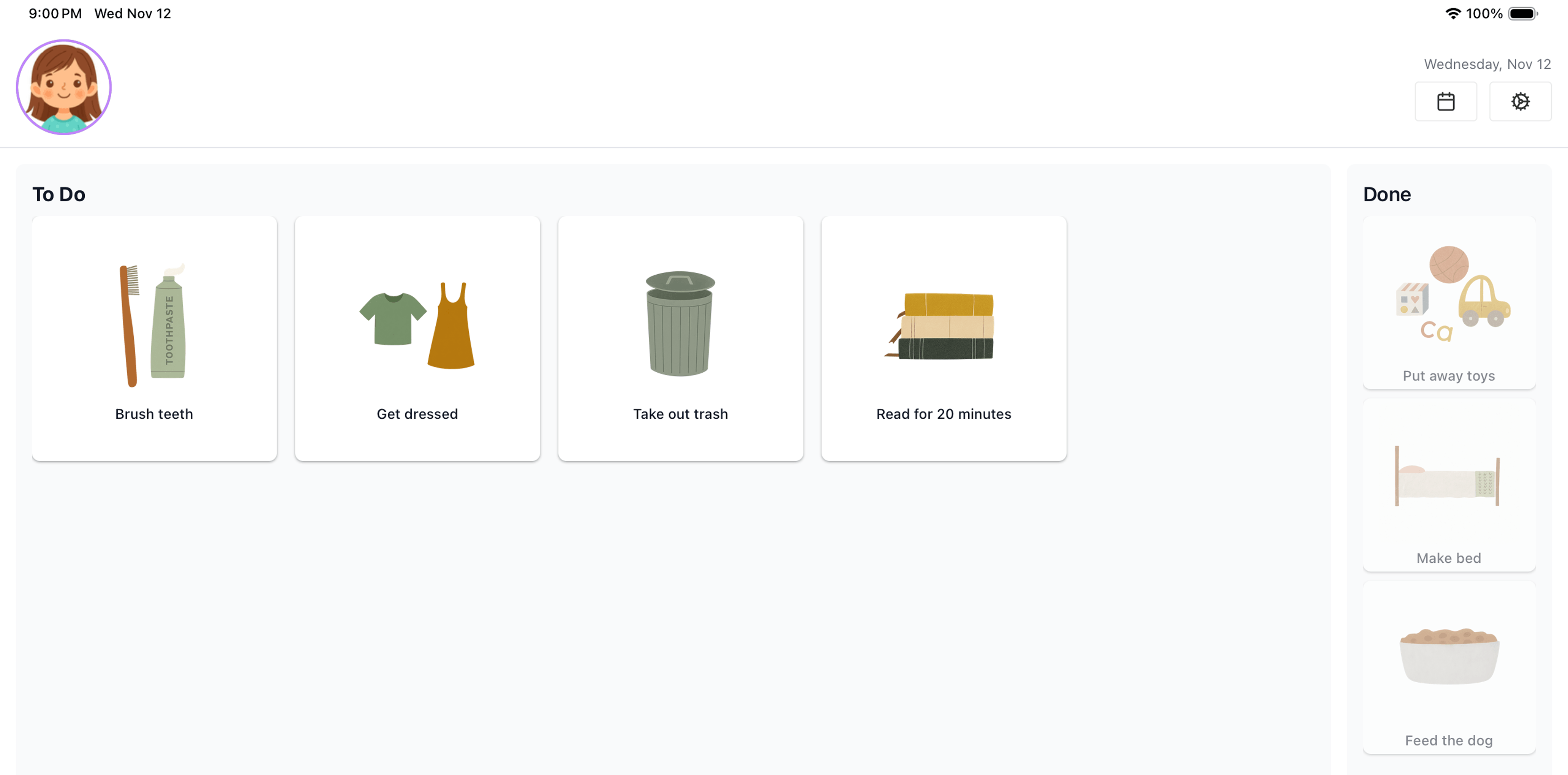
Skylight Calendar is a well-made product with a lot of happy families behind it. If you want a dedicated screen on the wall that shows the whole family's calendar, meals, and chores, it's a reasonable choice. TinyTasks is a different bet: a picture-based chore board for young kids that runs on an iPad you already have. This page lays out the cost and the trade-offs so you can decide which one fits.
Both are built around the same idea: a shared screen the kids look at instead of a parent. The difference is what you buy to get there. TinyTasks is an app for the iPad you already own. Skylight is a screen you buy and hang.
If you are choosing between apps rather than deciding whether to buy a display, the chore app comparison is the more useful page.
What it costs
| Item | TinyTasks | Skylight Calendar |
|---|---|---|
| Device | $0, uses your iPad | $329.99 for the 15" Calendar 2 (10" and 27" sizes also sold) |
| Subscription | $18.99/yr for Plus | $79/yr for Calendar Plus |
| Works without paying? | Yes, free tier, one kid | Yes, tasks, lists and profiles work without Calendar Plus; rewards, meal planning and photo screensaver are paywalled |
| First year, entry size | $18.99 | $408.99 |
| Five years | $94.95 (or $49.99 lifetime) | $724.99 |
| Returns | App Store standard | 4-month free returns, 3-year replacement promise |
Prices checked 8 September 2026. Every TinyTasks account starts with a 14-day trial of Plus.
What Skylight does better
- It's always on. A wall display is visible from across the room without anyone touching it. An iPad on a stand can be picked up, put down, or walked off with.
- Whole-family calendar. Skylight syncs Google, Apple and Outlook calendars into one view. TinyTasks is a chore board; it does events, but it is not a family calendar.
- Meal planning, photo frame, Disney Mode. Skylight is a hub. TinyTasks does one thing.
- Scale. Skylight cites over a million families. TinyTasks launched in 2025 and is built by one person.
What TinyTasks does better
- It costs $18.99, not $408.99. And you can stop paying and keep the free tier.
- It works before a kid can read. Every task is a picture, every card is tap-sized, and finishing triggers a celebration. Skylight's chore chart is a list; it works best once a kid can read it.
- No hardware to buy, ship, mount, or return. If you have an iPad, you're done in two minutes.
- A lifetime plan exists. $49.99 once. Skylight has no equivalent.
Can you use Skylight without buying the device?
Skylight offers an account without a device, but according to their own support documentation it gives you calendars, tasks, lists and recipes in the phone app only. It is not a wall display and it is not a kiosk mode you can run on an iPad. If the reason you're looking at Skylight is the big shared screen, you'll need to buy one.
Which one should you pick?
Pick Skylight if you want a whole-family command center on the wall, you have older kids who read, and $409 in year one is fine.
Pick TinyTasks if your kids are 4 to 8, you want something they can use on their own before they read, and you'd rather spend $20 than $409.
Questions
Does TinyTasks work on the Skylight device?
No. Skylight runs its own software and does not install apps.
Does TinyTasks have a calendar?
It has events, one-off and recurring, for things like soccer practice. It does not sync external calendars.
Can TinyTasks show more than one kid at once?
Yes. Each kid has their own board, and the parent dashboard shows everyone.
What iPad do I need?
Any iPad running iPadOS 15.1 or later.
Try the chore board without the $300 screen.
Free to start, no card. iPad only. iPadOS 15.1 or later.