 TinyTasks
Your kid runs their own morning.
A chore board made of pictures, on the iPad you already own. Every task is an icon, so they can run it before they can read.
Free to start. Compare chore chart apps
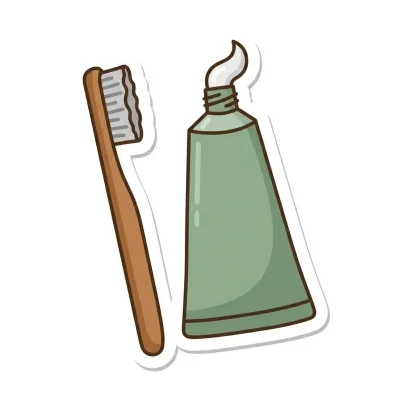 Brush teeth
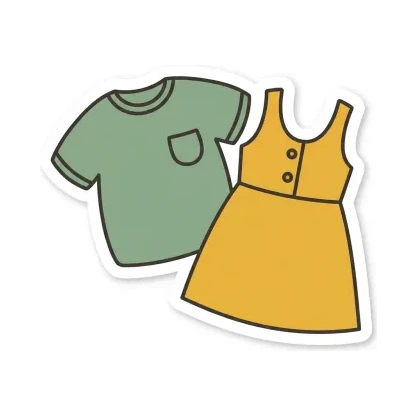 Get dressed
 Feed the dog
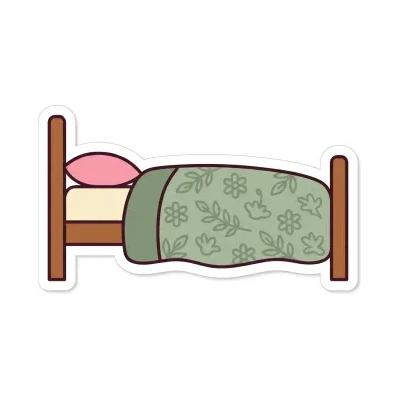 Make bed
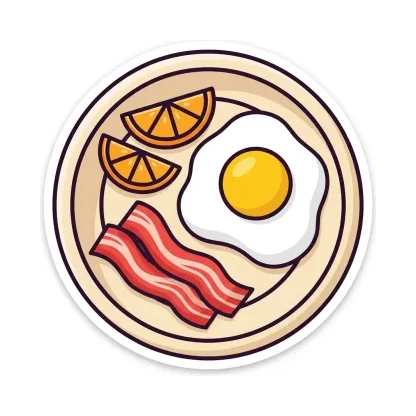 Eat breakfast
 Put away toys
No reading required
Most chore apps are lists, which works fine once a kid can read one. TinyTasks is a chart made of pictures. Every task is an illustrated icon from a library of more than 90, the cards are big enough for small fingers, and finishing takes one tap. A four-year-old can see what's next and get it done without asking what the words say.
- The picture is the task, not a setting you turn on.
- Tap-sized cards. Built for iPad, not shrunk from a phone.
- Instant celebration. Finishing should feel like winning.
Most families using TinyTasks have kids between about four and eight. Plenty keep using it well past that, and it works for anyone who'd rather see a picture than read a list.
What's in the app
Built for iPads
Large cards, smooth tap-to-complete, instant feedback. Kids run this themselves.
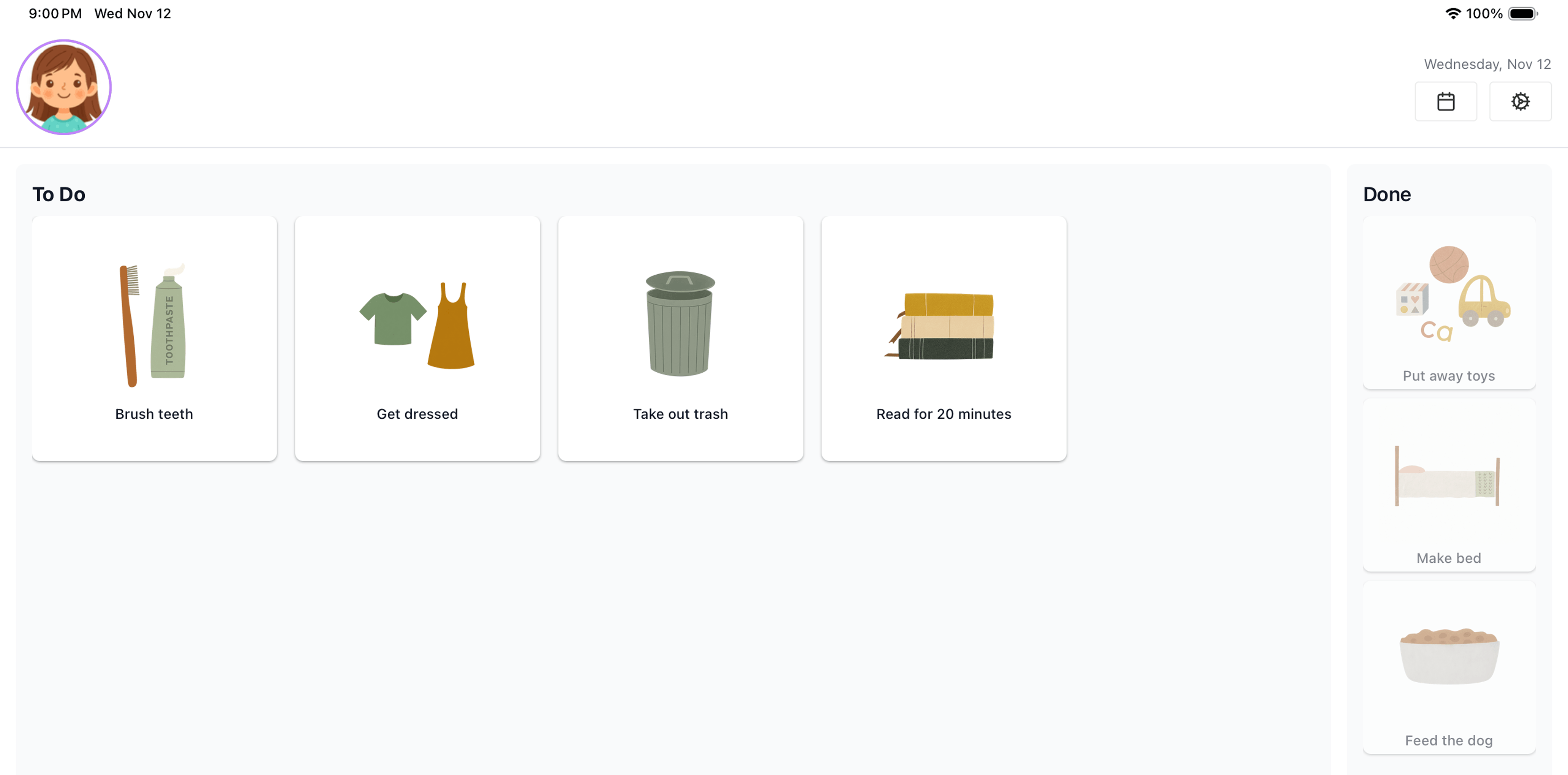
Illustrated icons for every chore
Brushing teeth, feeding the dog, packing a bag. More than 90 icons, so the picture does the explaining. Every icon comes in three styles — try them below, then pick your kid's favorite in the app.
-
 Brush teeth
-
 Get dressed
-
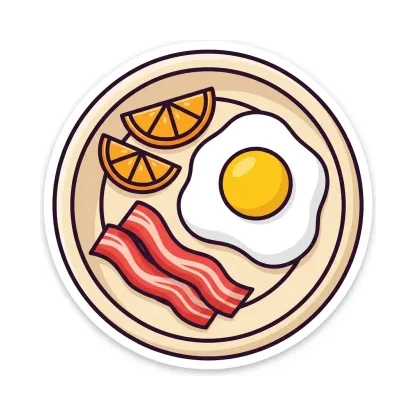 Eat breakfast
-
 Feed the dog
-
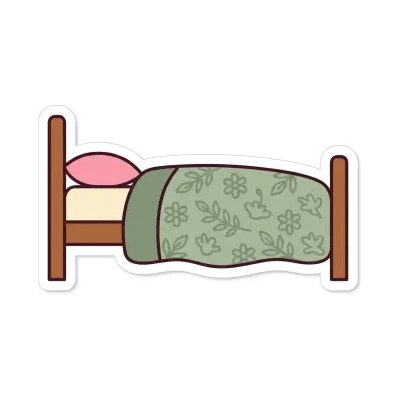 Make bed
-
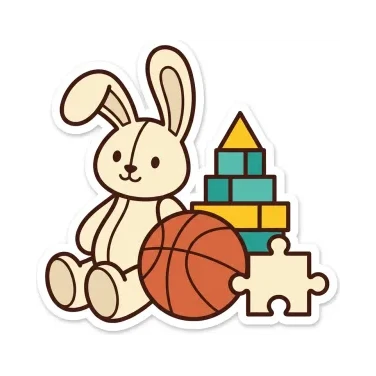 Put away toys
-
 Reading time
-
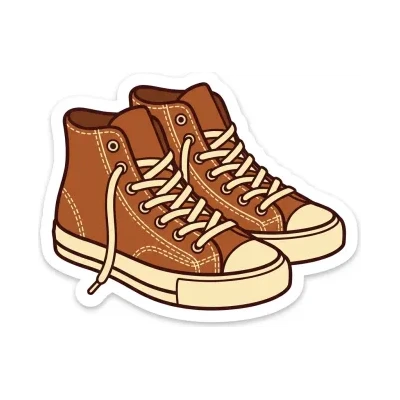 Put on shoes
-
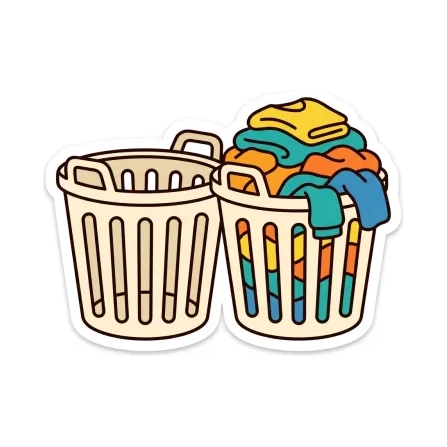 Laundry
-
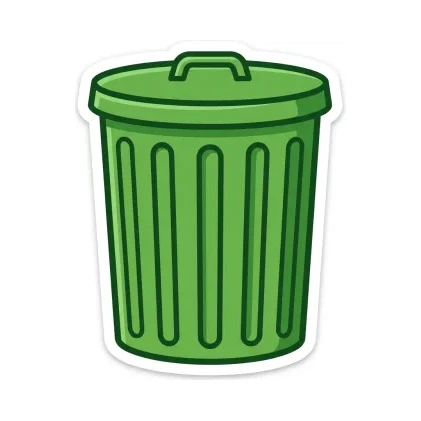 Empty trash
-
 Water plants
-
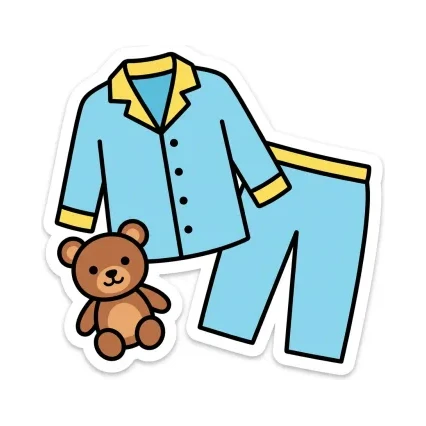 Pajamas
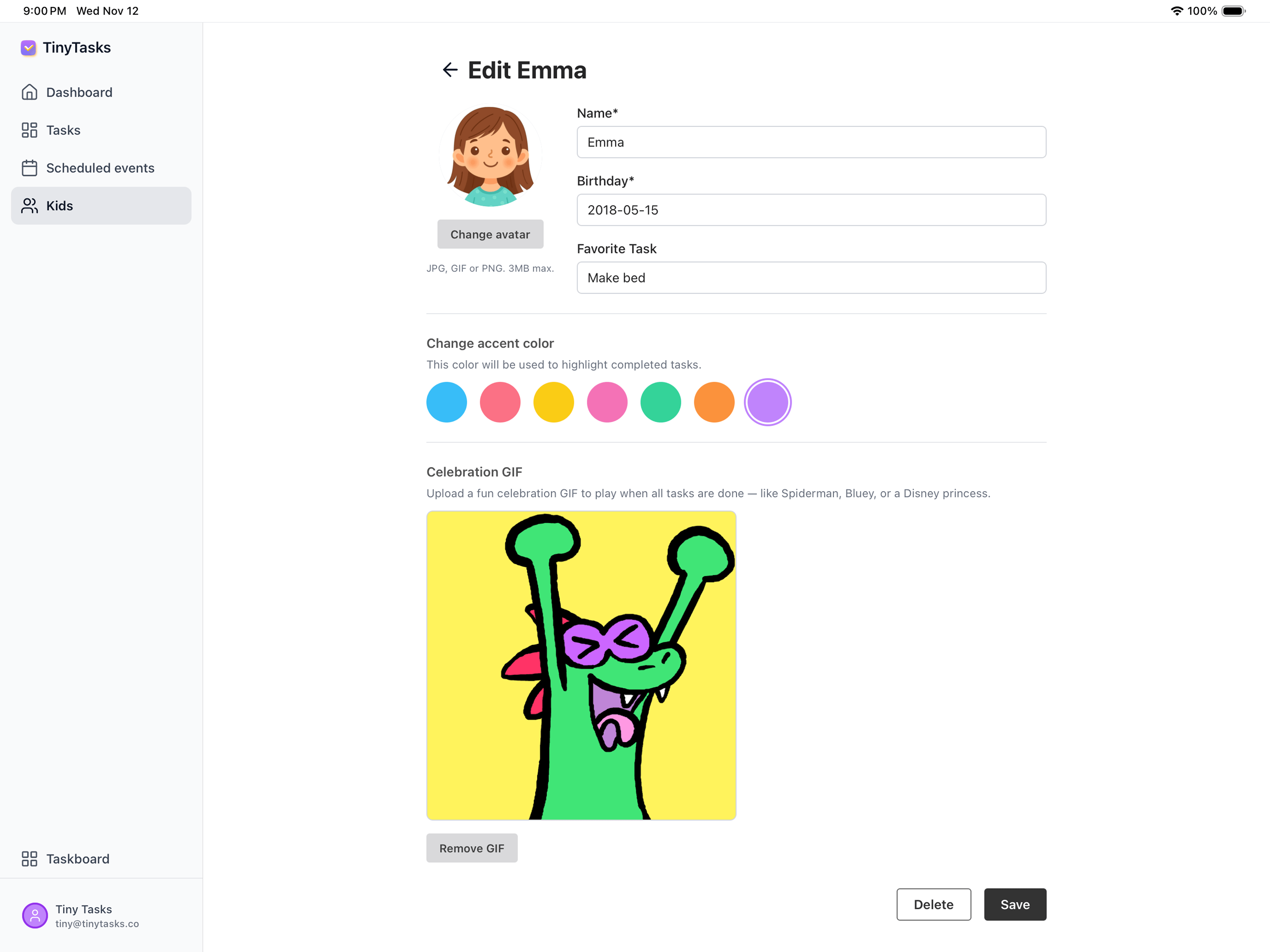
Celebrations
Pick a celebration for each kid that matches their personality. It plays the moment every task for the day is done.
Scheduling
Daily, weekly, afternoon-only, or one-off. Build the routine that fits your house.
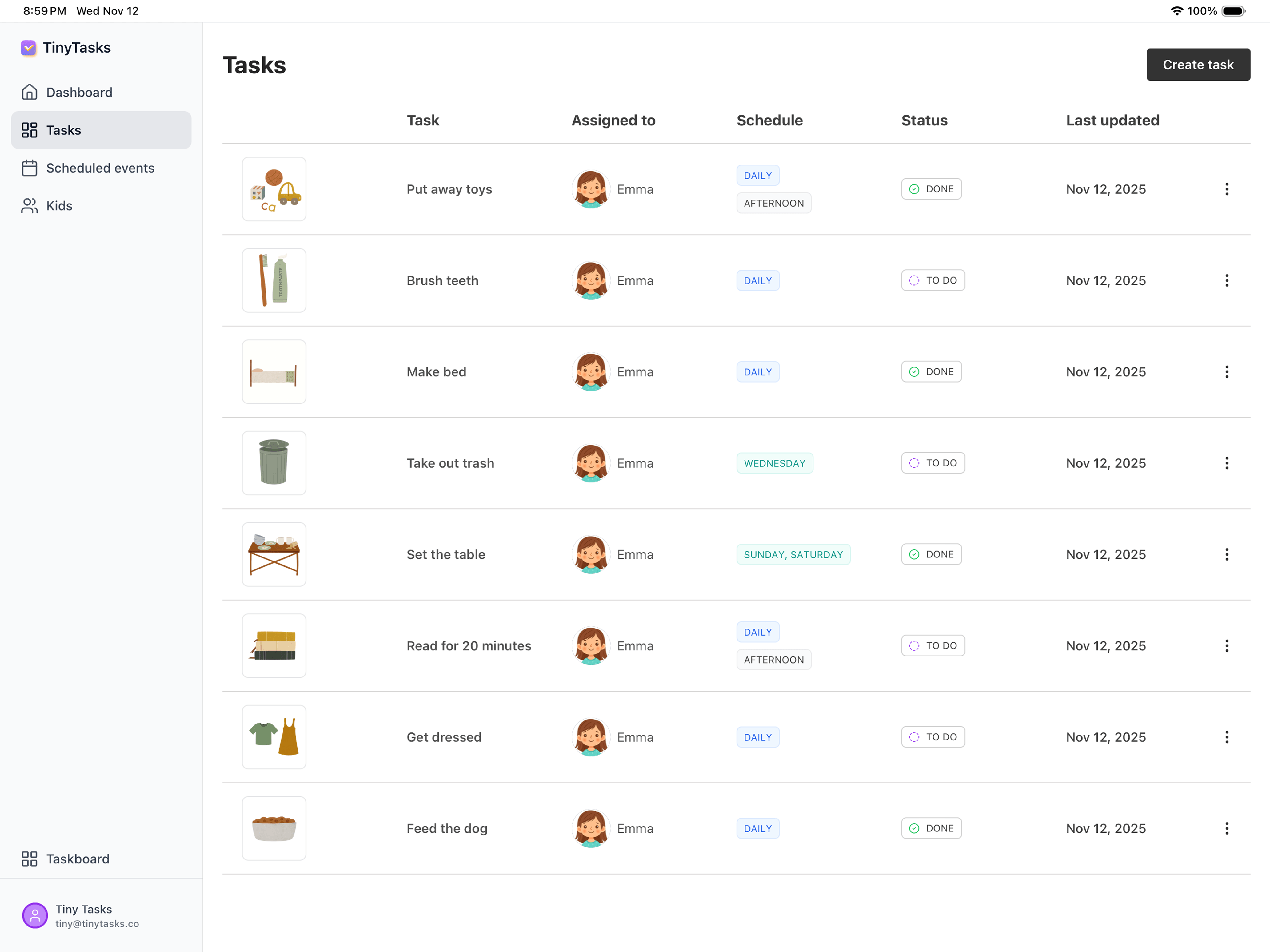
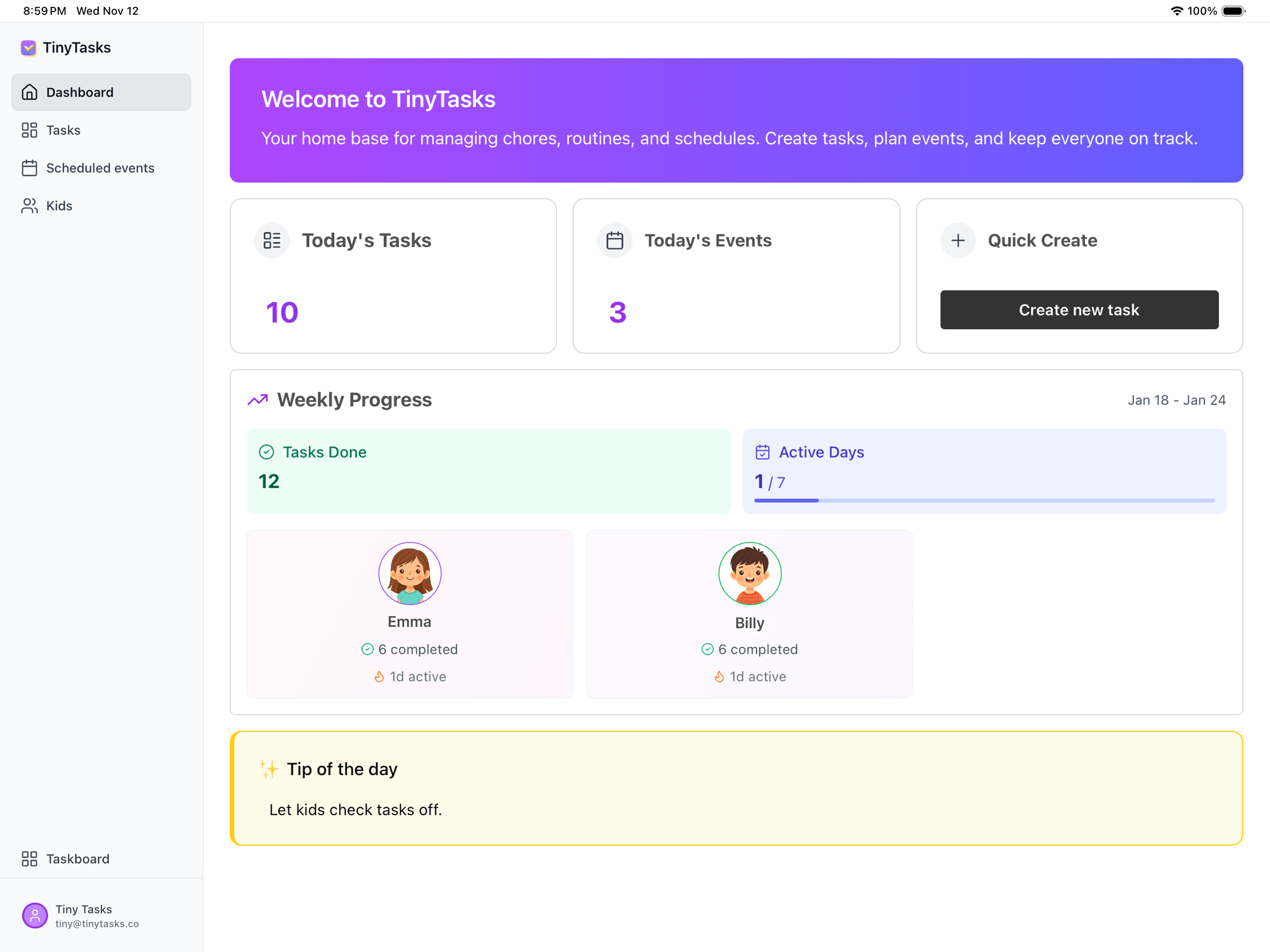
Parent dashboard
Create tasks, track progress, and manage every kid from one clean view.
Sync you don't have to think about
Your tasks live in your account, not in a file you have to link somewhere. Set something up on your iPad and it's there. Nothing to connect, nothing that quietly stops working.
TinyTasks ships updates regularly and there's a real person on the other end of info@tinytasks.co.
How it works
-
01
Create a profile
Add your child's name, pick an avatar, choose their celebration. Two minutes.
-
02
Add a few tasks
Start simple: "brush teeth", "put away toys". Two or three is plenty. Build from there.
-
03
Hand them the iPad
They see what's next, tap it done, and celebrate. Every single day.
It runs on the iPad you already own
Wall-mounted family displays start around $300 and most charge a yearly fee on top of that. TinyTasks is an app, not another screen. Put it on the iPad in the kitchen, the old one in the drawer, or the one your kid already uses. Stand it up, prop it on the counter, or mount it if you want to. Nothing to buy, nothing to ship, nothing to return.
-
TinyTasks
$18.99 first year
your iPad + Plus
-
A wall display
$400–$785 first year
screen + subscription
Range from two widely used wall-mounted family display brands, checked 8 September 2026. Named prices are on the comparison page below.
Our lifetime plan is $49.99, once. That's less than a single year of subscription fees on most wall displays, before you've even paid for the screen.
Pricing
-
Free
$0
One kid. Unlimited daily tasks. No card.
-
Plus Most popular
$18.99 a year, or $2.99 a month
Unlimited kids, every feature.
-
Lifetime
$49.99 once
Everything, forever.
Every new account starts with a 14-day trial of Plus.
Questions parents ask
Does it work on iPhone?
Not yet. TinyTasks is built for iPad, where the cards are big enough for a four-year-old to use on their own.
Do I need to buy anything?
No. It runs on any iPad on iPadOS 15.1 or later.
Can my kid change or delete tasks?
Not if you turn on the parent passcode, a Plus feature. Kids can mark tasks done; everything else is behind a 4-digit PIN.
Can I use it for more than one kid?
Yes. Free is one kid; Plus is unlimited.
Is it in the Kids category on the App Store?
No. It's a family organization tool that parents set up and kids use, listed under Productivity.
Kids complete tasks independently and celebrate their wins. Every single day.
Free to start. iPad only. iPadOS 15.1 or later.